
Technical SEO / Practical guide
Website Navigation SEO: An Internal Linking Audit That Helps Customers
My checklist for connecting important pages through clear menus, contextual links and mobile journeys without overloading the site.
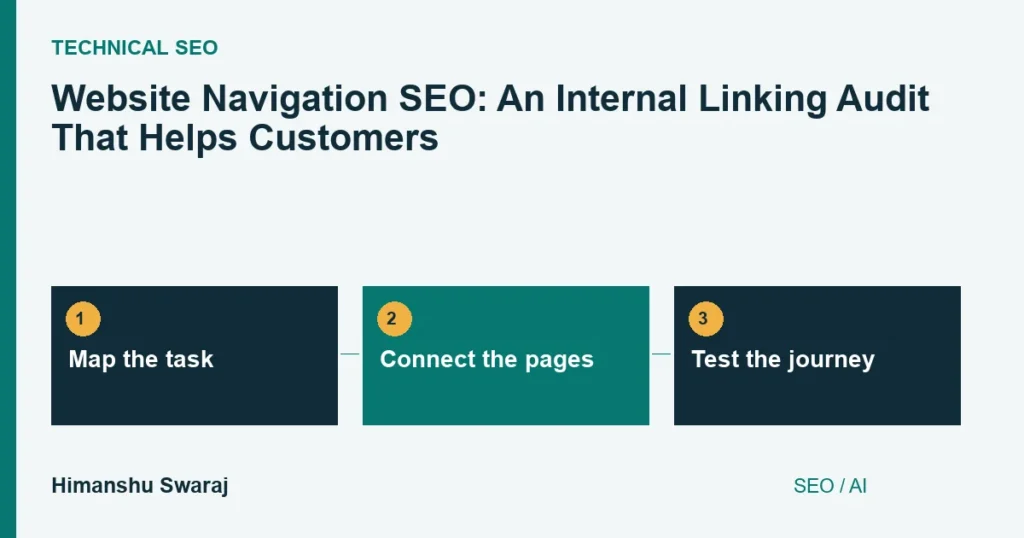
Start with what the visitor came to do
I ask a business to name its important visitor tasks before redesigning the menu. A customer may need to compare product ranges, confirm whether a service covers their problem or inspect evidence before making contact. Those tasks are more useful than an internal list of departments.
On this website, an ecommerce guide should connect to relevant platform support or Google Shopping work when that is the next question. It does not need to link to every service I offer. The relationship between the information and the destination should be obvious.
Map a few journeys from entry page to useful action. Include a visitor who lands directly on an article, not only someone starting at the homepage. A good primary menu cannot compensate for an article that leaves the reader at a dead end.
Give each navigation layer a clear job
| Layer | Job | Example |
|---|---|---|
| Main menu | Introduce major areas | Services, resources, contact |
| Hub page | Explain related choices | Ecommerce platform services |
| Contextual link | Answer the next question | Feed errors to Shopping support |
| Breadcrumb | Show location in the hierarchy | Home / Blog / Article |
I prefer descriptive labels over internal jargon. “Technical SEO” may fit an informed marketing audience; a customer shopping for a replacement component needs product language instead. Test the label with someone who did not build the site.
Do not force every destination into the top level. A useful hub can explain differences that a crowded dropdown cannot. Equally, do not bury an important service behind several unrelated screens just to keep the menu visually minimal.

Check the links that actually exist
Google’s link guidance recommends anchor elements with href destinations. Inspect representative menu and in-content links, especially when a JavaScript component controls the navigation. A styled element that responds to a click is not necessarily a normal link.
Compare a crawl with the published page inventory and XML sitemap. Investigate important pages found only in the sitemap. Check links pointing at old slugs, redirect chains and missing pages. Update the links you control to the final destination rather than relying indefinitely on redirects.
There is no useful universal rule that a page must contain fewer than twenty links. Judge whether the options are meaningful and organised. Nor does an XML sitemap replace the routes a customer needs while using the site.
Test with a keyboard and a small screen
- Open the menu and confirm that every label remains readable.
- Use the keyboard to reach links and open submenus.
- Check visible focus and whether Escape closes an expanded overlay.
- Follow a route to an important page and return without getting trapped.
- Check that sticky headers or banners do not cover the destination heading.
- Test the contact or purchase action at the end of the journey.
Do not depend on hover alone to expose a submenu. A touch user needs an understandable control. Where a label both opens a submenu and links to a hub, make those actions distinguishable rather than leaving the first tap unpredictable.
For ecommerce filters and pagination, inspect how the next set of products is reached. A tidy-looking interface can still hide useful stock if its controls fail or its links lead to empty combinations. I review these store-wide navigation problems as part of ecommerce SEO work.
Connect the audit to search and customer evidence
Keep a before-and-after inventory of changed links and page roles. Review whether important pages are discovered and whether customers reach the next useful step. A higher number of menu clicks can mean interest, but it can also mean confusion; interpret it alongside completed journeys.
AI can help group a large URL inventory into candidate topics. I verify those groupings against the actual offers. A plausible category name is not enough reason to create a new hub or move URLs. Keep the hierarchy understandable to people first.
Read the ecommerce SEO checklist for product and category context, or the SEO mistakes guide for wider diagnosis. Through direct consulting, I can help your team agree which structural changes are worth making before development begins.
Common questions
Should every page be three clicks from the homepage?
I do not use a rigid click count. Important journeys should be efficient and understandable, but a sensible hierarchy matters more than forcing every page into the main menu.
Are JavaScript menus bad for SEO?
Not automatically. I inspect the real links, rendered content and interaction behaviour. The implementation matters more than the framework name.
Can I change the menu without changing URLs?
Often, yes. Navigation labels and links can be improved independently. Keep working URLs unless there is a clear structural reason to move them, and plan redirects when a move is necessary.