
DNS Lookup
Look up DNS records for a domain. Check A, AAAA, MX, NS and TXT records, understand TTL values and investigate website or email configuration issues.
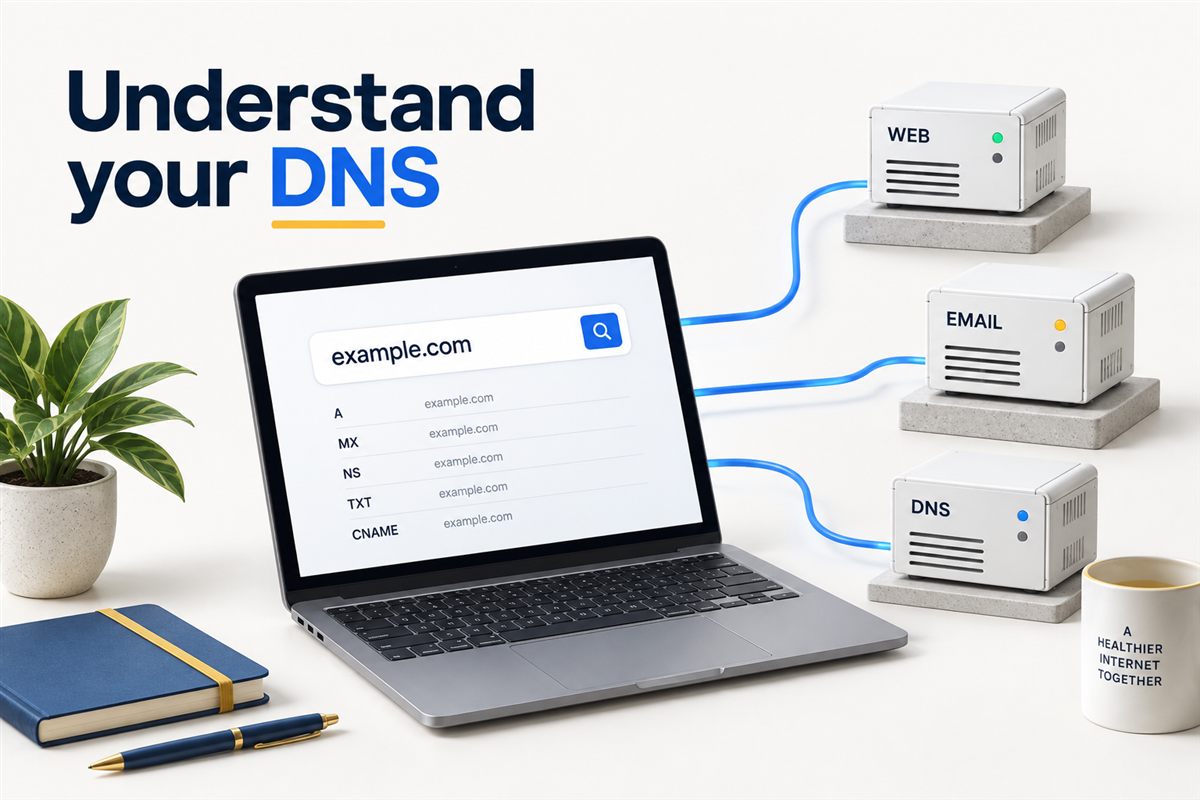
BEHIND YOUR DOMAIN
One domain. Several destinations.
Your website, email and verification records serve different purposes. A working homepage does not mean every DNS record is correct.
HIMANSHU'S APPROACH
Check the destination before changing the website
When a website stops loading after a move, I start by checking where the domain points. Editing content or changing an SEO plugin will not fix a domain that still resolves to the old server.
Use this lookup to collect the records first. Then compare them with the values supplied by your hosting, email or DNS provider. This is a diagnostic check, not a request to change your records.
What the DNS records tell you
A / AAAA
Website addresses
A records return IPv4 addresses; AAAA records return IPv6 addresses. A CDN or proxy can return its own addresses rather than your origin server.
MX
Incoming email
MX records identify mail servers. Lower preference numbers take priority. Check them against your email provider's instructions.
NS
Nameservers
These identify the nameservers for the domain. After a provider change, confirm that you are editing the zone that is actually in use.
TXT
Verification and policies
TXT records can carry verification tokens and email policies. This lookup displays values; it does not validate a complete email authentication setup.
CNAME
Aliases
A CNAME points one hostname to another. Check the exact hostname, such as www.example.com, rather than assuming the root domain has the same records.
SOA / TTL
Zone and cache details
SOA describes zone administration. TTL is measured in seconds and governs caching; it is not a promise that every user will see a change at the same moment.
Three checks before you make a change
- Use the exact hostname. Your root domain, www address and mail subdomain may have different records.
- Compare with the intended setup. Keep your provider's expected values alongside the results. Do not delete unfamiliar TXT records without checking their purpose.
- Retest the actual service. Once DNS is correct, check the website response, HTTPS and email separately. DNS alone does not confirm that these services work.
For the wider picture, explore SEO consulting or analytics and measurement. If the issue is search visibility rather than connectivity, DNS is only one part of the investigation.
What this lookup cannot prove
Results come from the server's DNS lookup environment, not a worldwide propagation test. Missing records may mean the record does not exist, the resolver cannot retrieve it, or that the queried hostname is wrong. A record appearing here does not prove Google has indexed your pages, your emails reach inboxes, or your website is secure.
Record availability also depends on server support. This tool is read-only: it does not edit your DNS zone.
DNS lookup questions
Can I look up DNS for a domain I do not own?
Yes. DNS records returned by this lookup are public. You do not need a password or access to the domain account. Changing those records is a separate action that requires authorised access.
Why do my results differ from another DNS checker?
Different resolvers can hold different cached answers. Location-based routing and CDN configuration can also affect responses. Compare the same hostname and record type, and consider recent changes before treating a difference as a fault.
Does changing DNS improve my Google rankings?
Changing a record is not a ranking shortcut. Correct DNS helps visitors and crawlers reach your site. If your site already resolves correctly, investigate content, indexing, technical quality and relevance rather than changing DNS for its own sake.
Does this check SPF, DKIM and DMARC?
It can display TXT records at the hostname you enter. DMARC usually uses _dmarc.example.com; DKIM uses a provider-specific selector hostname. This is not a complete authentication or email deliverability audit.
How long should I wait after changing a record?
Check the previous TTL and your provider's instructions. Cached responses can remain until they expire, while nameserver changes involve additional caches. Retest instead of assuming a fixed waiting period applies to every change.
Can Himanshu help interpret the results?
Yes. Share the domain, what changed and which service is affected through the contact page. Do not send passwords. I can help establish whether the next step is with your hosting provider, email provider or a wider website review.
Technical reference: Cloudflare's DNS record guide and TTL documentation.