
UTM Link Generator
Build campaign URLs with source, medium and campaign tags. Create consistent UTM links for paid social, email and partner campaigns with practical guidance.
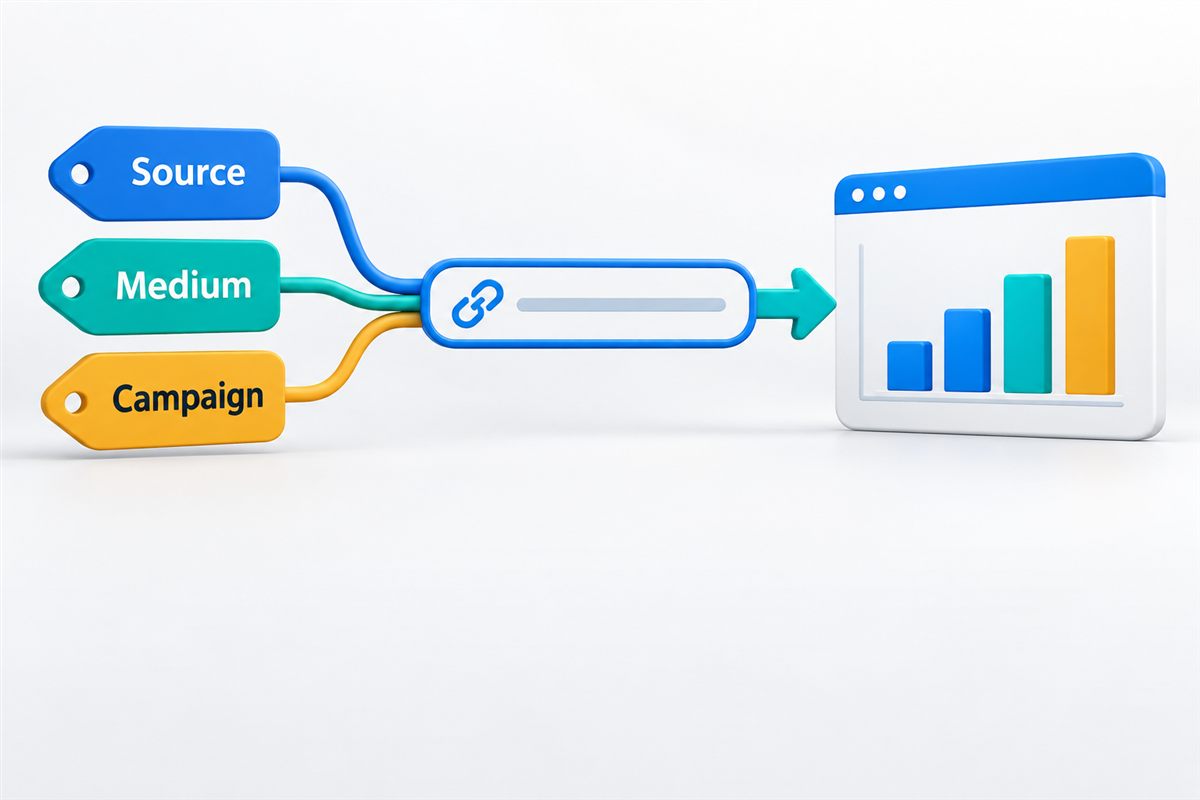
MAKE CAMPAIGNS COMPARABLE
Know which link brought the visit.
Consistent naming makes the next reporting conversation easier.
Build a campaign link without losing the destination
A campaign report becomes difficult to trust when the same channel appears under several names. I use a shared naming convention before links go into ads, emails or partner placements. It is a small piece of work that makes later comparisons much more useful.
Enter your destination URL, source, medium and campaign. Add content or term when you need those distinctions. This builder retains unrelated query parameters and the page fragment. It replaces the five standard UTM fields with your entries and removes old content or term values when you leave those fields blank.
The link is built in your browser; this tool does not visit the destination. It does not install Google Analytics, shorten the URL or check whether tracking works.
Give each field a clear job
Source: where the link appears
Use a recognisable source such as linkedin, a publication name or a partner name. Agree the spelling before distributing links.
Medium: the channel
Choose a channel label such as email, cpc or paid_social. Avoid mixing several labels for the same type of traffic. Your analytics channel definitions still need to be checked.
Campaign: the activity you are measuring
Use a meaningful name such as autumn_launch. Keep it consistent across related placements so the campaign can be compared as a whole.
Content and term: useful distinctions
Content can distinguish a product video from a static image or one link placement from another. Term can hold a keyword or another agreed campaign distinction. Leave optional fields empty when they do not answer a reporting question.
Before you publish the link
- Check that the destination is the final landing page, not an unnecessary redirect.
- Use consistent case. For example, linkedin and LinkedIn can create separate values in reports.
- Open the finished URL and confirm the page works with its query parameters.
- Check that redirects preserve the tags and that your analytics configuration records the visit as expected.
Do not put names, email addresses, order details or confidential information into campaign tags. URLs can be shared, logged and exposed to other systems. Use UTMs on incoming campaign links, not routine links between your own pages.
For Google Ads management, manual UTM naming should fit the account's auto-tagging and measurement setup. For broader reporting, my analytics consultancy connects campaign labels with the enquiries and sales you need to understand.
UTM link questions
Will this link automatically appear in Google Analytics?
Not by generating it alone. A visitor needs to use the link and the destination needs a working analytics setup. Consent choices, browser restrictions and implementation issues can affect what is recorded.
Can I use this for paid social, email and partner campaigns?
Yes. Set names that match the source and channel, then test the final destination. A consistent convention helps compare activity across placements without mixing unrelated campaigns.
Does this replace Google Ads auto-tagging?
No. Auto-tagging and linked accounts provide information beyond manual UTM fields. Keep your existing setup unless you have reviewed the consequences of changing it.
What happens to parameters already in my URL?
Unrelated parameters and the fragment are retained. Existing utm_source, utm_medium, utm_campaign, utm_content and utm_term values are replaced by the entries in this form. Empty optional fields remove their previous values. Other UTM fields, such as utm_id, are left unchanged.
Are campaign names case-sensitive?
Yes. Keep the same case and spelling across your campaign links. Lowercase names with a shared separator convention are usually easier for a team to maintain.
Do UTMs improve SEO or AI search rankings?
No. These tags describe campaign traffic; they are not a ranking technique. They can label links you control in an AI-assisted campaign, but they cannot reveal every untagged visit or prove that an AI system recommended your business.
Further reading
Google explains campaign URL parameters and manual tagging and auto-tagging. Check a campaign destination with the URL Redirect Checker, or discuss your measurement setup with me.